Computers
Laptops and desktops often hold years of files, work documents, browser-saved passwords, and full disk encryption. Storing the login and recovery key here ensures your family can access what's on the drive — and doesn't lose it forever to a forgotten password.
What You Can Store
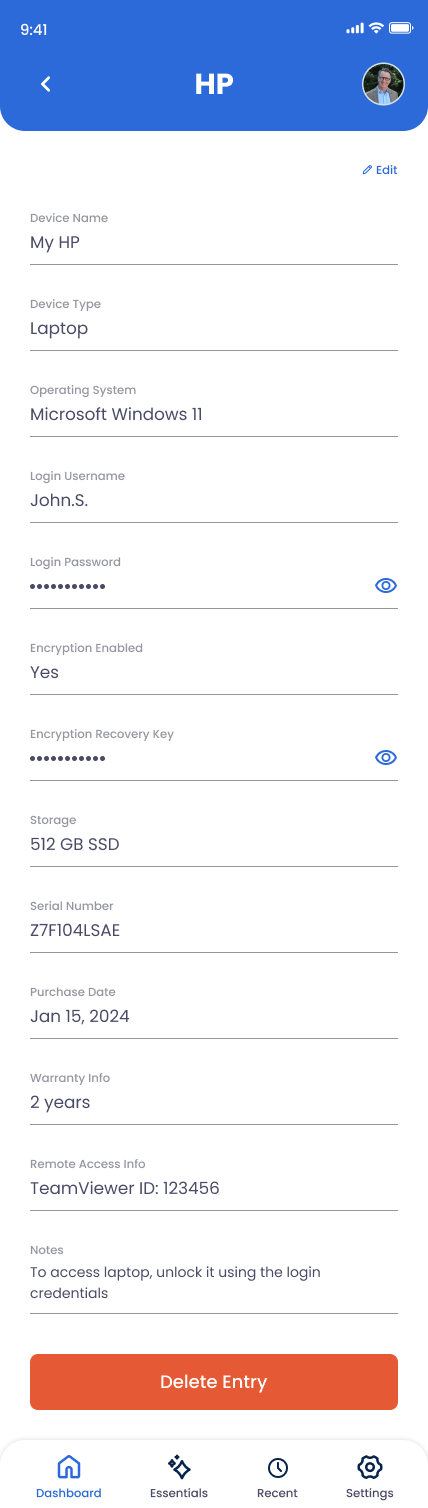
Device Name
"MacBook Pro 16," "Home Desktop," etc.
Device Type
Laptop, Desktop, Tablet, or Other.
Operating System
"macOS Sequoia," "Windows 11," "Ubuntu 24.04."
Login Username
The OS account name your family will sign in as.
Login Password
The login password for the account.
Encryption Enabled
Yes/no for FileVault (Mac), BitLocker (Windows), or LUKS (Linux).
Encryption Recovery Key
Critical. Without this and the login password, an encrypted drive is unreadable. Apple/Microsoft can store one for you, but having it here is the safest backup.
Storage
"512GB SSD," "2TB," etc.
Serial Number
For warranty, AppleCare, or theft recovery.
Purchase Date & Warranty
Useful if the device fails during the coverage window.
Remote Access Info
If you use TeamViewer, Chrome Remote Desktop, AnyDesk, or similar — note the ID/account so a family member can connect from another machine.
Notes
Power supply location, second user accounts, what's stored on it, peripheral pairings.
How to Add a Computer
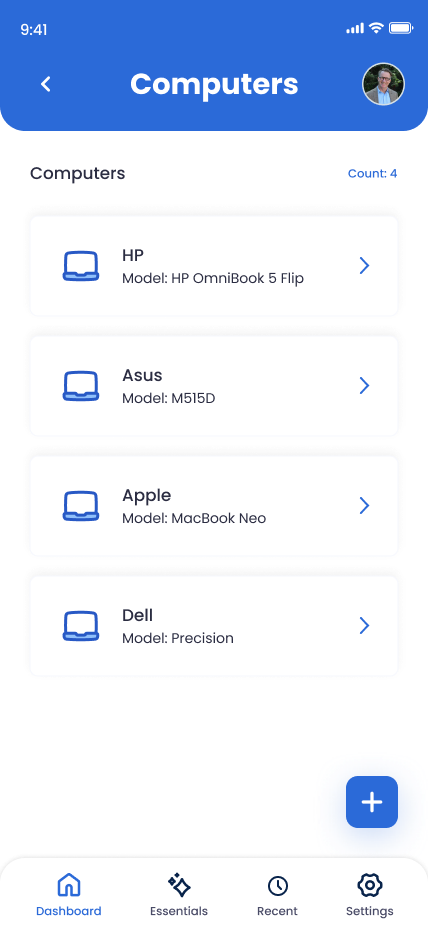
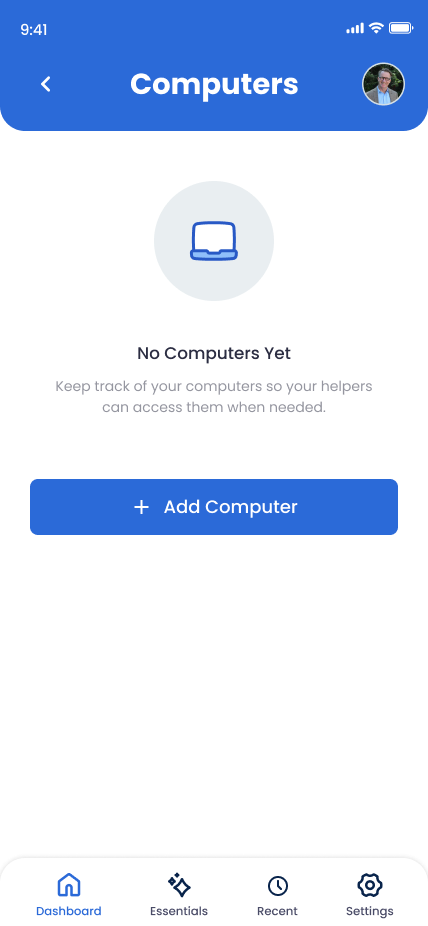
Open Devices in the app
Tap Devices and select Computers.
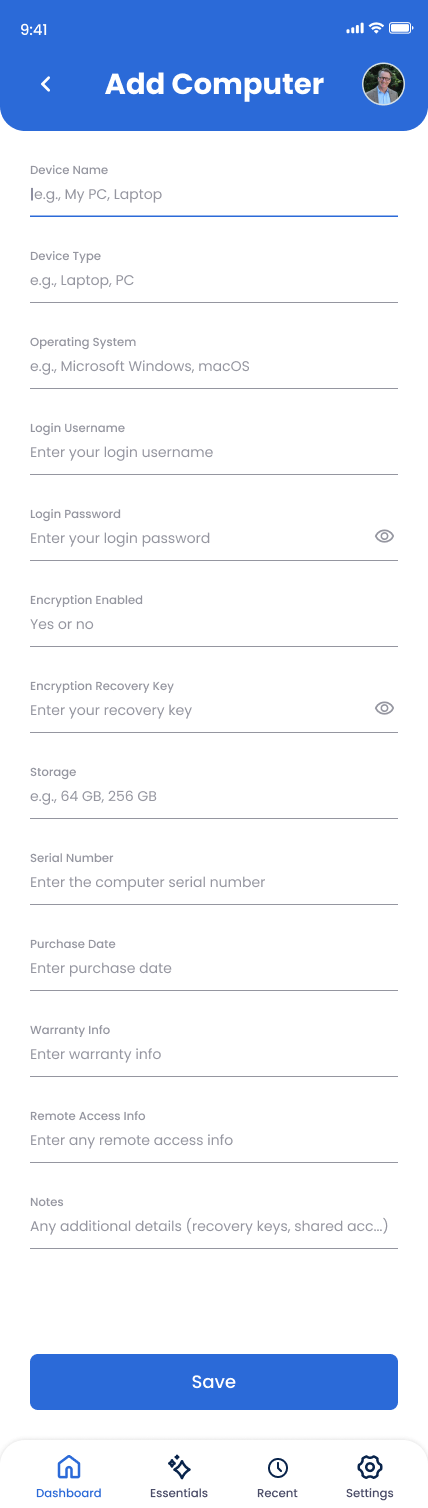
Name and identify it
Device name, type, OS, serial number.
Enter login username and password
For the OS account.
Toggle Encryption Enabled and add the recovery key
If FileVault, BitLocker, or another disk-encryption tool is on. The recovery key is the second factor — without it, even the right password can't decrypt the drive in some recovery flows.
Add remote access details
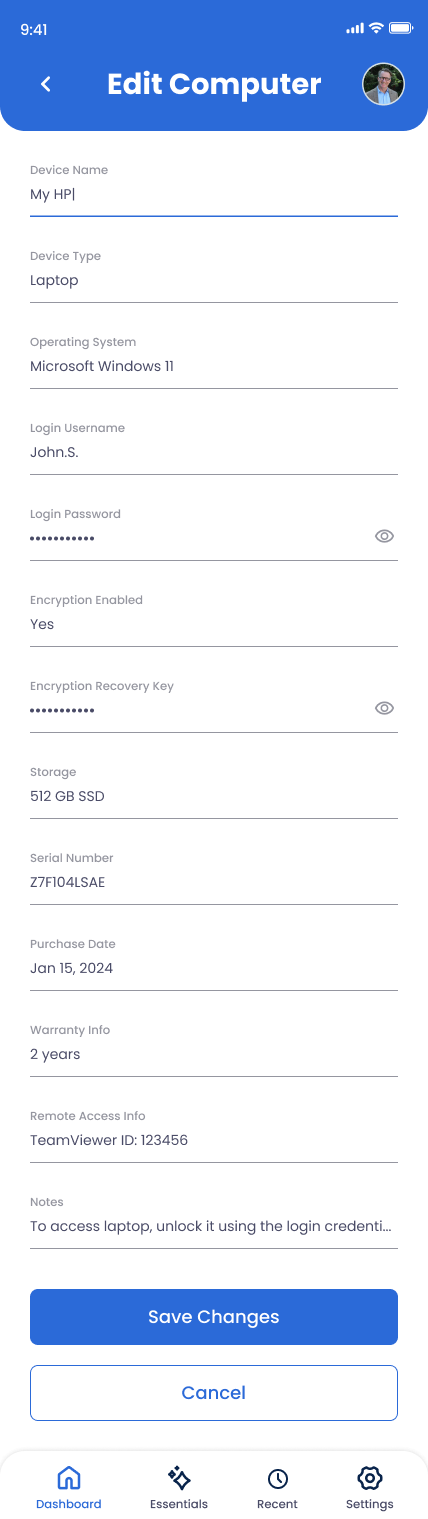
If you use TeamViewer or similar. Save and repeat for each computer.
Why This Matters
Modern operating systems encrypt the disk by default. Without the encryption recovery key, a forgotten password locks years of work, photos, and documents permanently — even Apple and Microsoft can't recover the drive without it. This article exists so that doesn't happen.