Financial Accounts
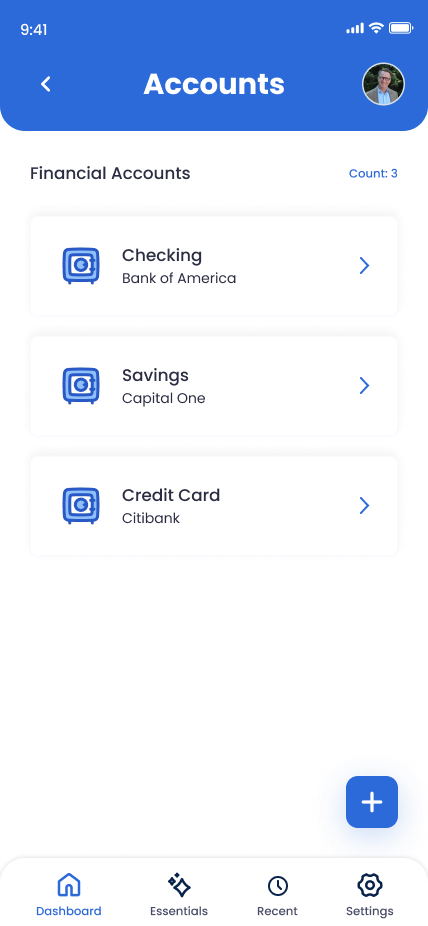
Bank accounts, credit cards, brokerage and retirement, HSA/FSA, loans and mortgages — the full set of financial logins your family will need to inventory, transfer, or close. The Essentials Bank Account covers your primary; this section is for everything else.
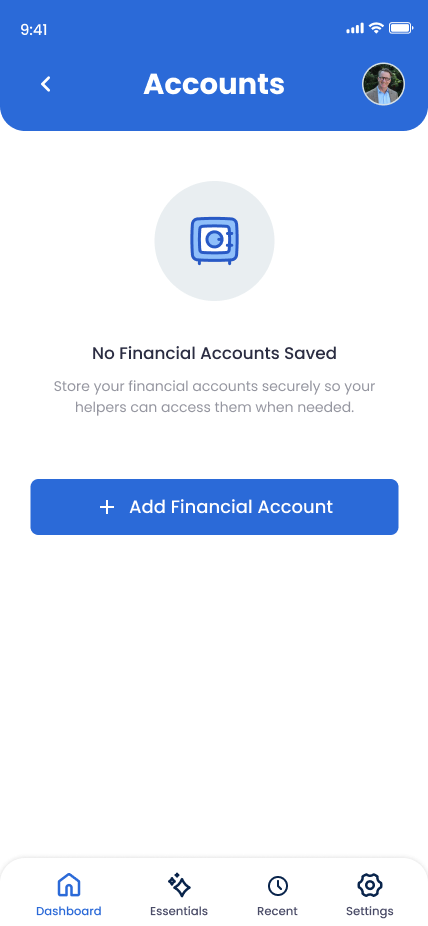
What You Can Store
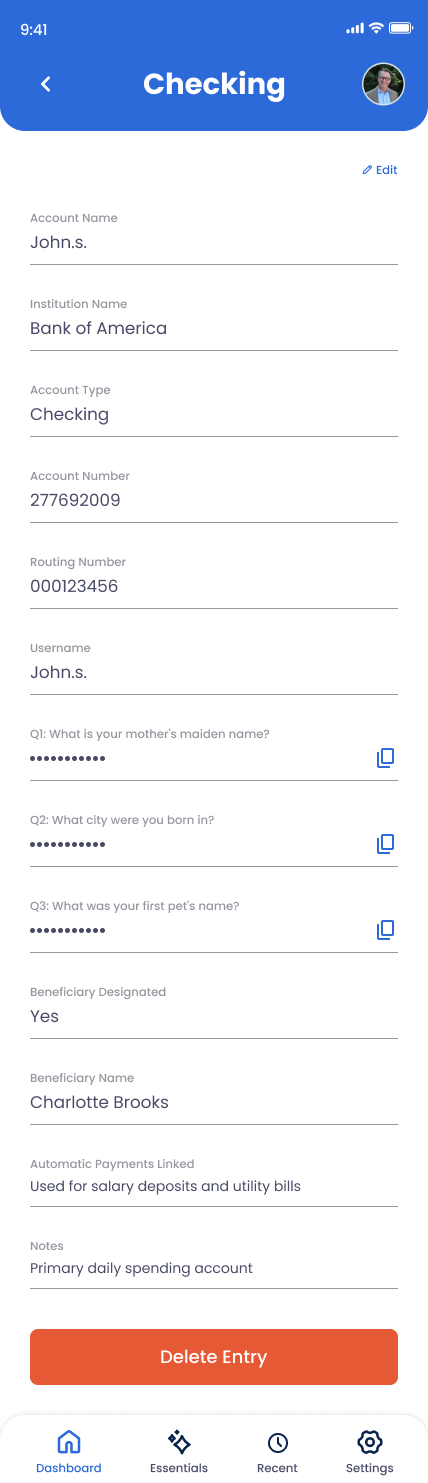
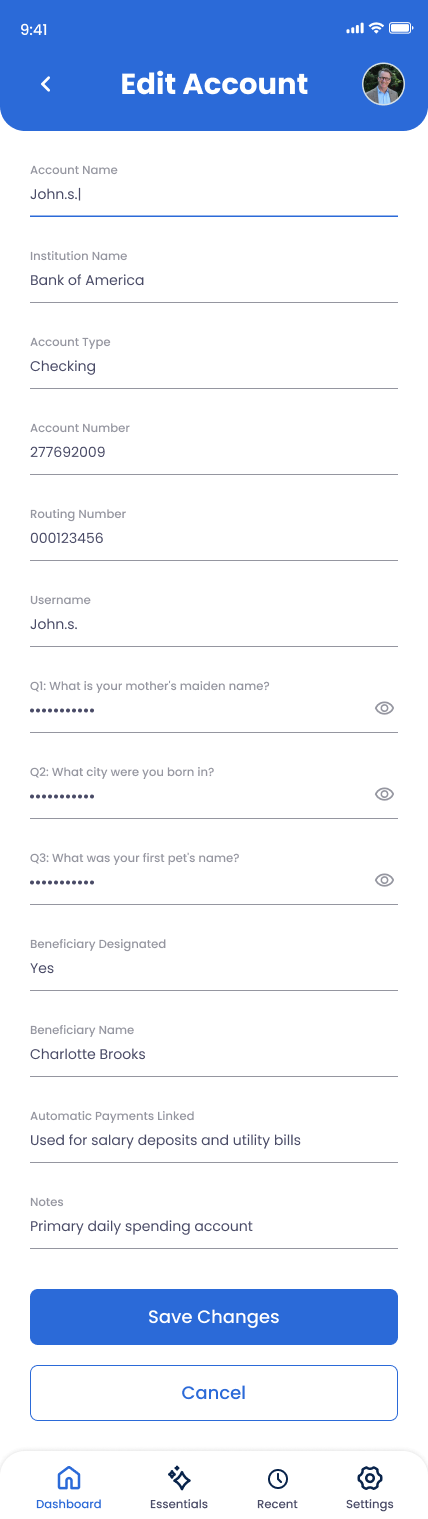
Account Name
A friendly label — "Joint Checking," "Roth IRA," "HELOC."
Institution Name
Fidelity, Schwab, Chase, Vanguard, your local credit union, etc.
Account Type
Checking, Savings, Credit Card, Investment/Brokerage, Retirement (401k/IRA), HSA/FSA, Loan/Mortgage, or Other.
Account Number (last 4 only)
Just the last four digits — enough to identify the account in a statement, not enough to enable fraud.
Routing Number (Checking/Savings only)
Useful for direct deposits, ACH transfers, or moving balances. Shown only for checking and savings types.
Username
Login username for the institution's online portal.
Password
Login password.
Security Questions
Q&A pairs the institution asks during phone support or recovery flows.
Beneficiary Designated
Yes/no toggle. Mark accounts where you've named a beneficiary directly with the institution.
Beneficiary Name
Shown when the toggle is on. The name on file with the institution.
Automatic Payments Linked
List recurring charges or transfers tied to this account — mortgage, utilities, gym, etc. Free-text, multiline.
Notes
Joint account holders, branch contact, anything else worth knowing.
How to Add a Financial Account
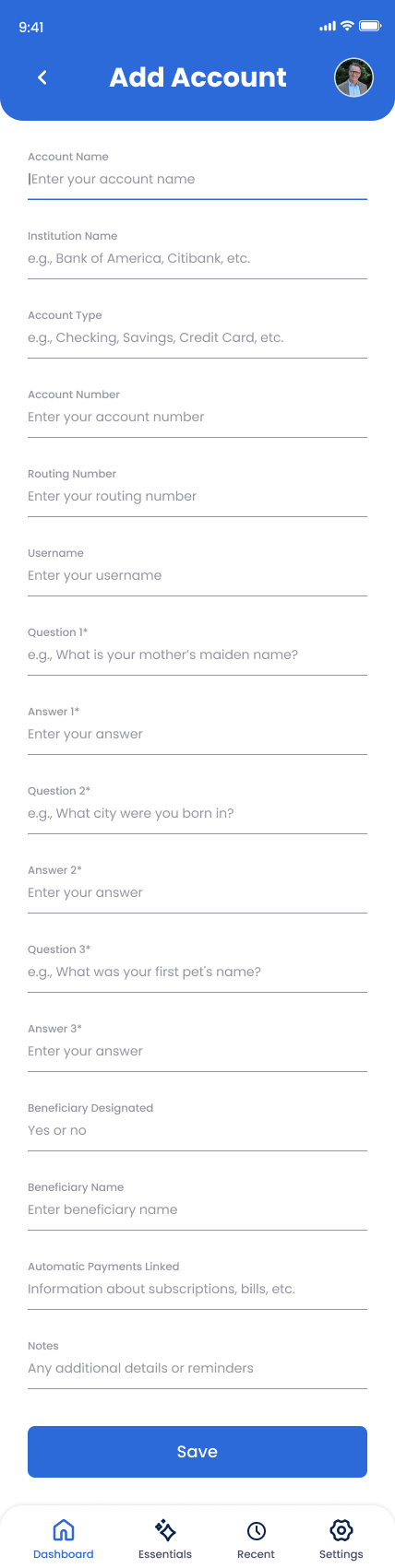
Open Online Accounts in the app
Tap Online Accounts and select Financial Accounts.
Name and classify the account
Account name, institution name, and account type — pick from the dropdown so your family can sort and prioritize.
Add login credentials
Username, password, and security questions. Encrypted and protected by your PIN.
Mark beneficiary status
If you've named a beneficiary directly with the institution (typical for retirement accounts and life insurance), toggle Yes and enter the name. This skips probate for that account.
List automatic payments and notes
Recurring charges, joint holders, branch contacts. Save when done.
Why This Matters
Probate is hardest when families don't know what accounts exist. Old 401(k)s from a former job, an old savings account at a credit union that everyone forgets, a credit card with auto-pay set up — these are the things that get missed and become problems later. Documenting them now is the difference between a clean handoff and a years-long search.